
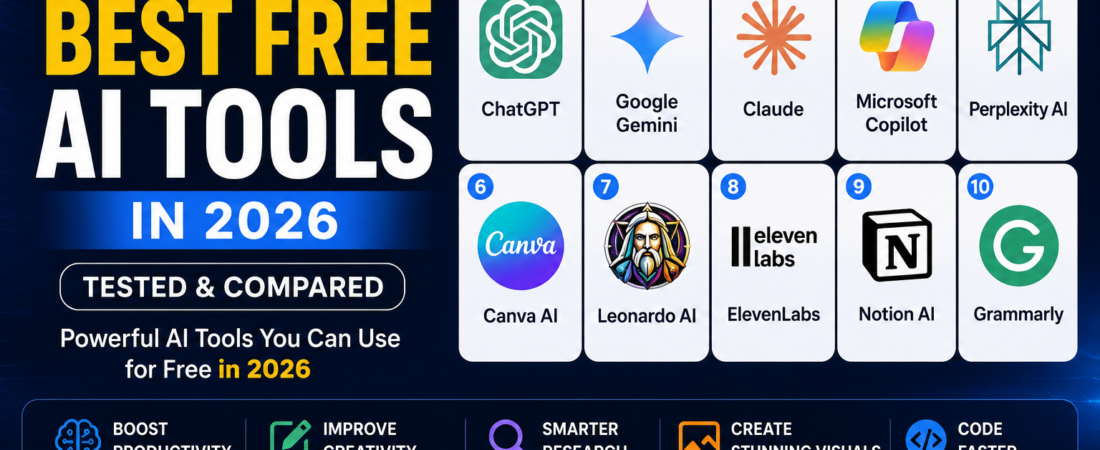
Top 10 Best Free AI Tools in 2026
Artificial intelligence has become an essential part of everyday work. Whether you need help with writing, coding, research, image creation, or productivity, there are powerful AI tools available for free.
In this guide, we compare the 10 best free AI tools in 2026, highlighting their strengths, limitations, and ideal use cases.
Why Free AI Tools Matter
Free AI tools help users:
- Save time on repetitive tasks
- Improve writing quality
- Generate images and videos
- Learn faster
- Increase productivity
- Write and debug code
Many of these tools also offer paid plans, but their free versions are useful for students, creators, freelancers, and professionals.
1. ChatGPT
Best For
Writing, brainstorming, coding, learning, and research.
Pros
- Natural conversations
- Excellent writing assistance
- Coding support
- Fast responses
Cons
- Some advanced features require a paid subscription.
2. Google Gemini
Best For
Research, document analysis, and Google Workspace users.
Pros
- Strong integration with Google services
- Good reasoning abilities
- Easy to use
Cons
- Feature availability varies by region and account.
3. Claude
Best For
Long-form writing and document analysis.
Pros
- Excellent writing quality
- Handles lengthy documents well
- Helpful summaries
Cons
- Availability may differ depending on your country.
4. Microsoft Copilot
Best For
Windows users and Microsoft 365 productivity.
Pros
- Built into Microsoft products
- Helpful for office work
- Strong coding assistance
Cons
- Some premium capabilities require a subscription.
5. Perplexity AI
Best For
AI-powered search and research.
Pros
- Fast answers
- References sources
- Great for learning
Cons
- Advanced features are limited in the free plan.
6. Canva AI
Best For
Graphic design and social media content.
Pros
- Beginner-friendly
- AI image generation
- Ready-made templates
Cons
- Some AI features are premium.
7. Leonardo AI
Best For
Creating AI artwork and game assets.
Pros
- High-quality image generation
- Multiple art styles
- Free daily credits
Cons
- Daily limits on free usage.
8. ElevenLabs
Best For
AI voice generation.
Pros
- Realistic voices
- Multiple languages
- High audio quality
Cons
- Free plan includes usage limits.
9. Notion AI
Best For
Notes, planning, and productivity.
Pros
- Smart writing assistance
- Meeting summaries
- Task management
Cons
- Full AI features require a paid plan.
10. Grammarly
Best For
Grammar correction and professional writing.
Pros
- Accurate grammar suggestions
- Tone improvements
- Easy browser integration
Cons
- Premium features require payment.
Comparison Table
| Tool | Best For | Free Version |
|---|---|---|
| ChatGPT | Writing & Coding | ✅ |
| Google Gemini | Research | ✅ |
| Claude | Long Writing | ✅ |
| Microsoft Copilot | Productivity | ✅ |
| Perplexity AI | Search | ✅ |
| Canva AI | Design | ✅ |
| Leonardo AI | Images | ✅ |
| ElevenLabs | Voice | ✅ |
| Notion AI | Productivity | ✅ |
| Grammarly | Grammar | ✅ |
Which Free AI Tool Should You Choose?
- Writers → ChatGPT or Claude
- Students → Perplexity AI or Gemini
- Designers → Canva AI or Leonardo AI
- Developers → ChatGPT or Microsoft Copilot
- Professionals → Notion AI and Grammarly
The best choice depends on your workflow. Many users combine several AI tools instead of relying on only one.
Frequently Asked Questions
What is the best free AI tool in 2026?
ChatGPT remains one of the most versatile options for writing, coding, brainstorming, and learning.
Which AI tool is best for students?
Perplexity AI and Google Gemini are useful for research, explanations, and study assistance.
Which AI tool creates images?
Leonardo AI and Canva AI both provide AI-powered image generation.
Can I use these AI tools for free?
Yes. All the tools listed here have a free version, although some features are limited or require a subscription.
Final Thoughts
Free AI tools have become more capable than ever. Whether you want to write articles, create images, conduct research, or improve productivity, there is an AI solution that fits your needs.
Start with one or two tools, explore their strengths, and build a workflow that saves time while improving the quality of your work.